Ventajas y riesgos de las herramientas de la IA en UX
En la última década el diseño de experiencia de usuario (UX) ha evolucionado a un ritmo acelerado, y la inteligencia artificial (IA), ni se diga… ha pasado de ser una tendencia a una herramienta clave en el proceso de diseño. Desde la generación automática de interfaces hasta la personalización en tiempo real, la IA promete mejorar la eficiencia y creatividad de los diseñadores. Pero, ¿cómo está cambiando la forma en que diseñamos? ¿La IA es un aliado o representa un desafío para la creatividad humana?
Por: Melisa Agundez
El proceso tradicional de diseño UX sigue un flujo bien definido: investigación, ideación, prototipado, pruebas y optimización. La IA está impactando cada una de estas fases, permitiendo a los diseñadores trabajar más rápido y con mayor precisión.
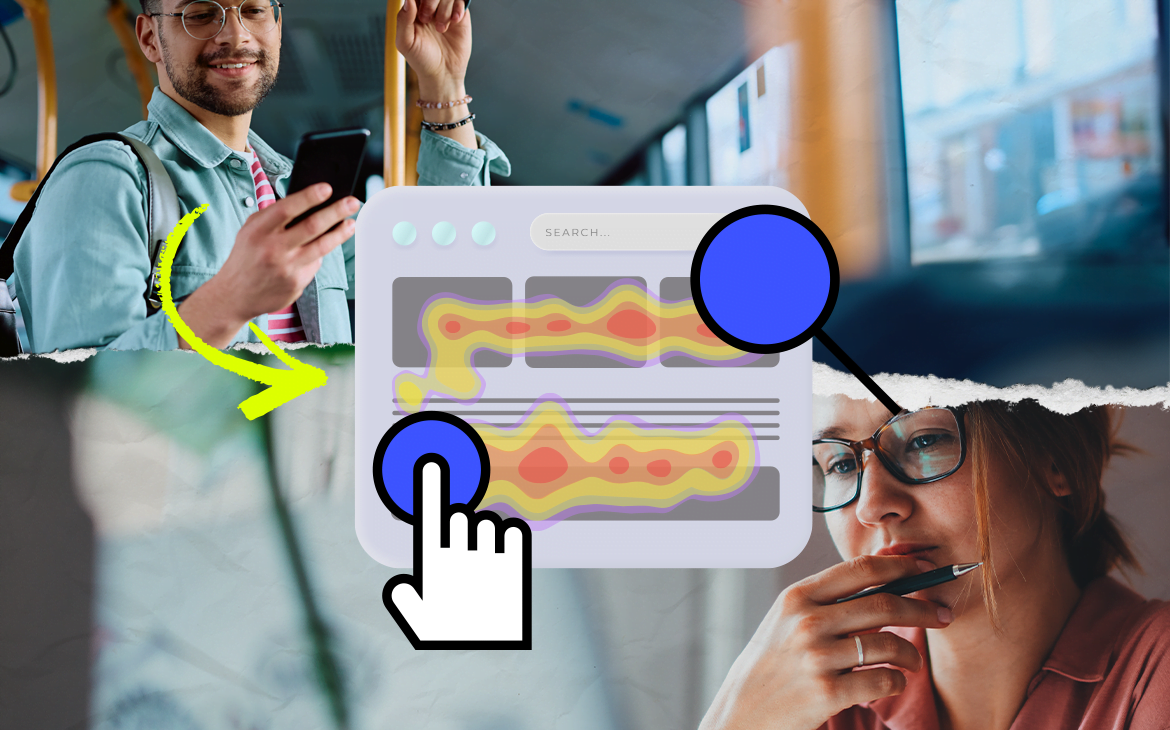
La IA puede ayudar a hacer investigación y análisis de usuarios
Herramientas como ChatGPT pueden ayudar al análisis efectivo y eficaz de grandes sumas de información, además de lanzar el formato que mejor nos convenga ahorrándonos horas de trabajo manual.
Existen otras herramientas como Synthetic Users donde se pueden crear usuarios detallados que están aprendiendo constantemente del contexto que se les provea. Con estos sirven para conducir entrevistas, estudios o pruebas, lo que hace que la investigación de usuario o validación de ideas para mejorar el producto siempre esté al alcance de nuestras manos.
Ayuda también a la ideación y generación
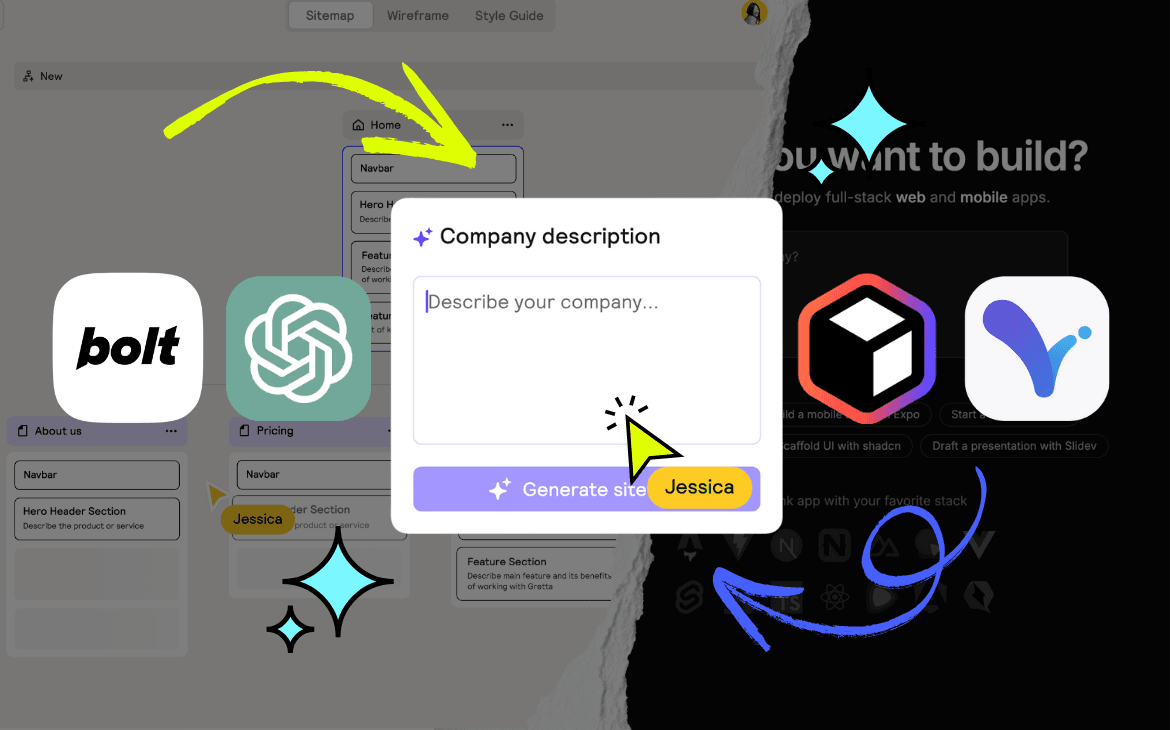
UXPilot o Relume.io ayuda a crear mapas de sitio a partir de descripciones detalladas de las necesidades de negocio y usuarios, mapea y crea contenidos clave, además convierten dicho mapa de sitio y contenidos en wireframes en baja fidelidad en minutos.
Ofrece herramientas que ayudan en el diseño y prototipado
Softwares como Visily ayuda con la creación de wireframes en alta fidelidad a partir sketches así como screenshots lo que agiliza el proceso de diseño.
Bolt, un agente de inteligencia artificial con el que puedes crear aplicaciones en minutos a partir de una descripción detallada, gracias a esto es fácil testear flujos de usuario rápido en momentos temprano del diseño.
También permite hacer pruebas y optimización
La mayoría de los agentes son capaces de probar interfaces e incluso flujos, aprovechando el aprendizaje basado en el comportamiento de los usuarios y proporcionando una retroalimentación confiable sobre cómo podrían interactuar en diferentes escenarios.
Ventajas de diseñar con IA
Trabajar con inteligencia artificial en UX puede traer muchos beneficios que agilizan el proceso de diseño y mejoran la experiencia del usuario.
– Mayor velocidad en el diseño: La IA permite crear bocetos y prototipos más rápido, reduciendo el tiempo entre la idea inicial y la ejecución.
– Automatización de tareas repetitivas: Elementos como el diseño de botones, la alineación de componentes y la generación de estilos pueden automatizarse, liberando tiempo para el pensamiento estratégico.
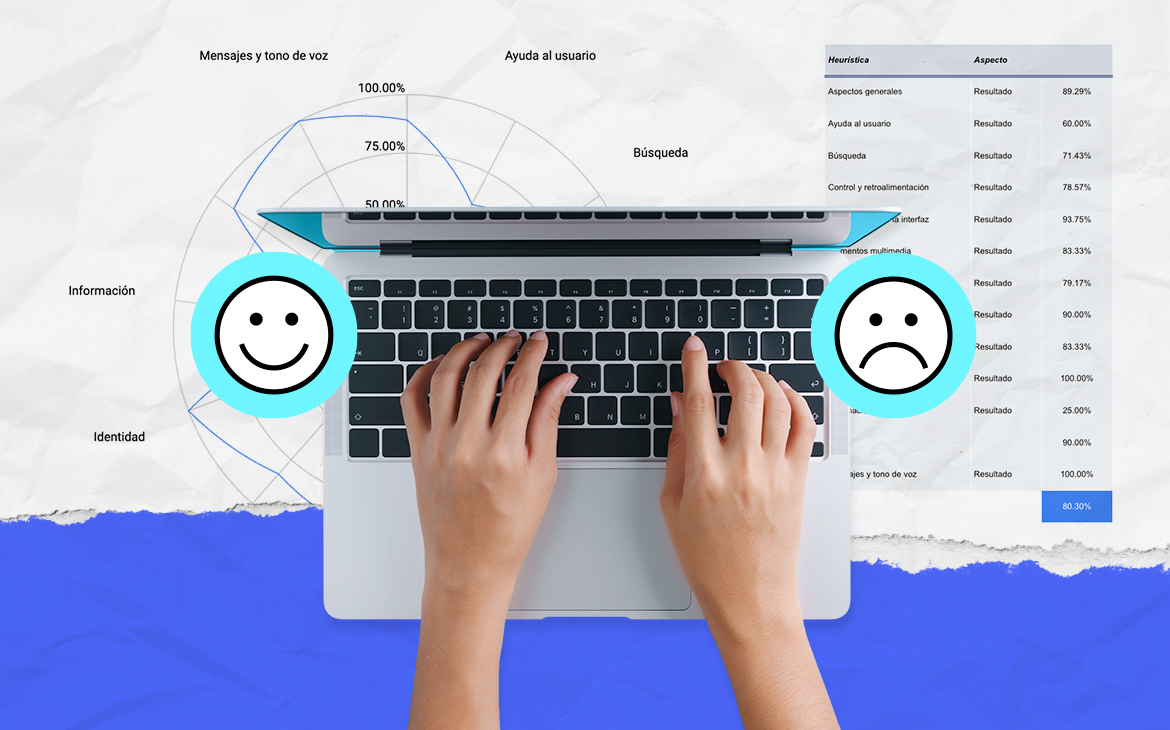
– Mejor análisis de usuarios: El diseño basado en datos se vuelve más accesible con herramientas que analizan métricas de comportamiento en tiempo real.
– Colaboración eficiente: Diseñadores y equipos de desarrollo pueden trabajar con IA para generar múltiples iteraciones y optimizar flujos de trabajo.
La inteligencia artificial puede traer muchos beneficios en todo el proceso de diseño, pero también tiene algunos riesgos y desventajas que considerar. Por ejemplo:
- Dependencia excesiva en la IA: Si los diseñadores dependen demasiado de herramientas automáticas, pueden perder la capacidad de innovar y tomar decisiones estratégicas por sí mismos.
- Falta de originalidad: Los algoritmos de IA generan soluciones basadas en patrones existentes, lo que puede llevar a un diseño genérico, poco original y menos innovador
- Sesgos: Los algoritmos pueden reforzar sesgos preexistentes si no se entrenan con datos diversos, lo que puede resultar en interfaces poco inclusivas.
El desafío no es evitar la inteligencia artificial, sino aprender a utilizarla estratégicamente sin comprometer la creatividad y estrategia de diseño. La IA es una herramienta poderosa, pero el factor humano sigue siendo insustituible. El futuro del UX no es una batalla entre humanos y máquinas, sino una colaboración inteligente donde la IA optimiza procesos y los diseñadores impulsan la innovación.
¿Estás pensando en incorporar herramientas de IA a tu producto o a tu oferta en general? Mándanos un mensaje, quizás podamos ayudarte en el proceso.